One master, not variations
The same logo geometry across screens, documents and physical materials. Choose a supplied color variant, not a new interpretation.
The badAPP brand / Version 2.1
Not just a look. A working library for the people who design, build, publish and print badAPP.
Versioned masters · Individual downloads · No sign-in required
The master identity
The principle
Bold in expression.
Precise in execution.
01 / The system
badAPP is an AI-first app development studio building intelligent, beautifully crafted web and mobile applications. We bring product strategy, design, and engineering together to take ideas from concept to launch.
The same logo geometry across screens, documents and physical materials. Choose a supplied color variant, not a new interpretation.
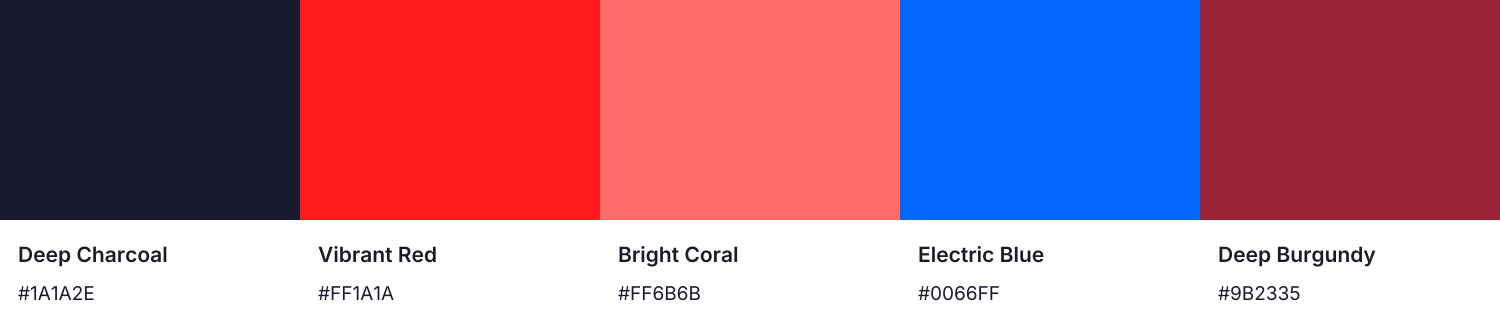
Red leads. Charcoal anchors. Coral highlights. Blue supports. Burgundy adds depth. Consistency comes from how we use them.
Transparent logos, outlined vectors, editable office files and channel-sized artwork. Production notes travel with the assets.
02 / The system
Use the artwork, not a typed approximation. These path-based masters preserve the existing primary wordmark, without background panels or image effects.
Clear space is measured from the visible artwork, not the file edge. Keep at least one lowercase b height on every side.
Clear-space diagram / not to scale
03 / The system
The five-color palette stays exactly as it is. The discipline is in the combinations, hierarchy and contrast—not a new color scheme.
Foundation
Dark surfaces, headings and body text on light backgrounds.
Primary
Primary actions and APP in the wordmark. White button labels must be at least 20 px and bold; do not use small text on red.
Highlight
Headlines and small accent labels on charcoal; expressive gradients and highlights.
Accent
Links and section labels on white; diagrams and supporting details. Not small text on charcoal.
Tertiary
Supporting surfaces with white text. Do not use as text on charcoal.
Use blue labels on white and coral labels on charcoal. Red buttons keep white labels at 20 px bold or larger. Small white text on red does not meet normal-text contrast requirements.
White on red
3.88:1
Large text only; avoid for small labels
Charcoal on red
4.4:1
Large text only; avoid for small labels
Blue on white
4.83:1
Passes normal text
Blue on charcoal
3.53:1
Large text only; avoid for small labels
Coral on charcoal
6.15:1
Passes normal text
White on burgundy
7.82:1
Passes normal text
WCAG relative luminance, opaque sRGB colors. Normal text ≥ 4.5:1; large text ≥ 3:1. Logo artwork is exempt.
04 / The system
Montserrat brings character. Inter does the everyday work. Both are locally hosted on this site and included with their licenses in the kit.
Display / Montserrat
Big ideas.
Built beautifully.
800 for headlines. 700 for navigation and labels.
Keep display lines short and deliberate.
Body / Inter
Good design makes complex things feel simple. Every word should help.
400 for body copy. 600 for controls and emphasis.
Comfortable line lengths. Room to breathe.
Explain what we build and how we work.
Avoid: Unsupported rankings, invented outcomes and guaranteed results.
Lead with the benefit, then explain the technology.
Avoid: Stacking jargon without explaining its value.
Use the so good, they’re bad line sparingly.
Avoid: Jokes about reliability, security or the client’s problem.
05 / The system
Pick a format, get the original file. Every collection includes its intended use and the details you need to hand it off confidently.
24 of 24 asset collections · individual downloads below
Logos
Transparent background. Traced from the existing primary artwork; vector paths need no fonts. SVG and PDF scale without pixelation.

Logos
Transparent background. Traced from the existing primary artwork; vector paths need no fonts. SVG and PDF scale without pixelation.
Logos
Original uploaded artwork, unchanged. 1024 × 1024 px raster with its supplied dark rounded-square background. Alternate app/social artwork; not a replacement for the primary wordmark.
Logos
Red adaptation of the uploaded icon, using Vibrant Red #FF1A1A. Original geometry, white b and background retained. 1024 × 1024 px raster.
Logos
Approved alternate using Electric Blue #0066FF to coordinate with the uploaded icon. Existing outlined wordmark geometry and transparent background retained. Red remains primary.

Logos
Approved alternate using Electric Blue #0066FF to coordinate with the uploaded icon. Existing outlined wordmark geometry and transparent background retained. Red remains primary.
Logos
Transparent background. Traced from the existing primary artwork; vector paths need no fonts. SVG and PDF scale without pixelation.

Logos
Transparent background. Traced from the existing primary artwork; vector paths need no fonts. SVG and PDF scale without pixelation.
Logos
Existing Montserrat b favicon concept, now outlined so it cannot substitute fonts. Charcoal safe-area canvas; browser, Apple and app icon sizes included.
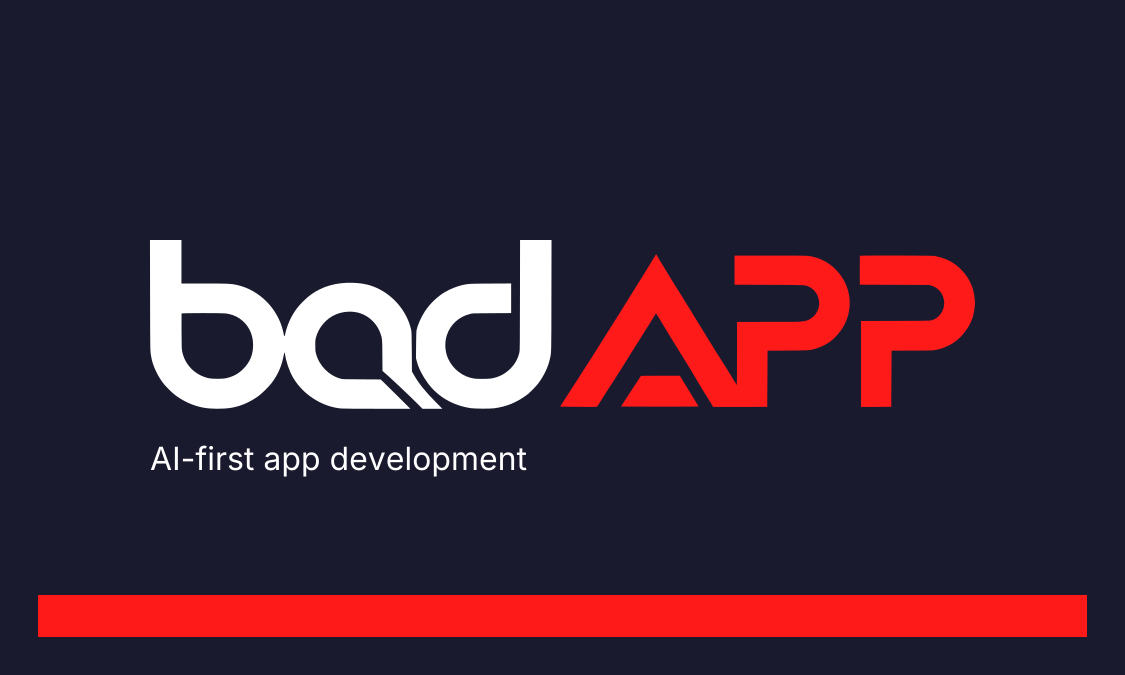
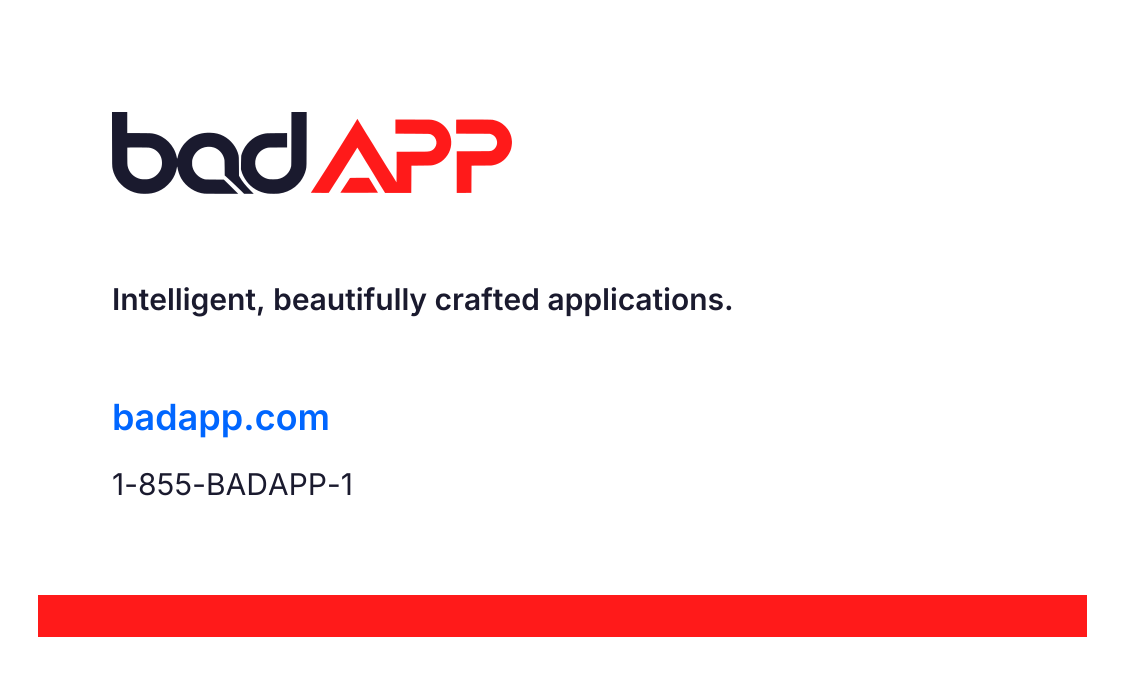
3.5 × 2 in trim + 0.125 in bleed. Generic studio contact card. Vector RGB PDF with TrimBox; printer must convert with their stock/profile and approve a proof.
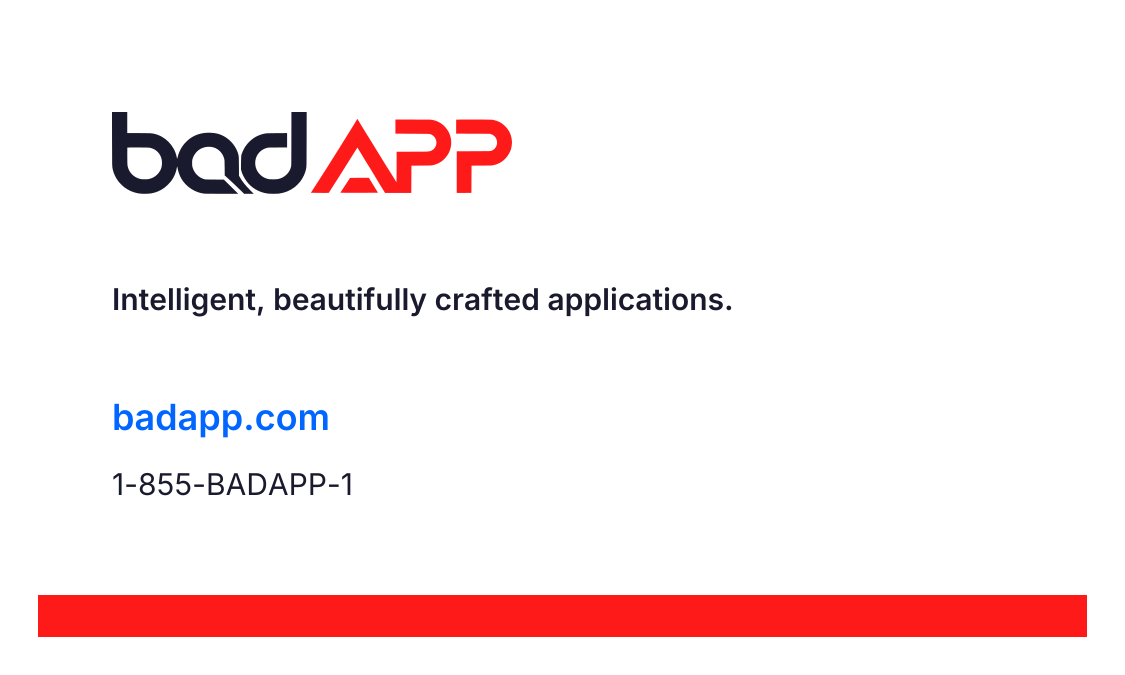
3.5 × 2 in trim + 0.125 in bleed. Generic studio contact card. Vector RGB PDF with TrimBox; printer must convert with their stock/profile and approve a proof.
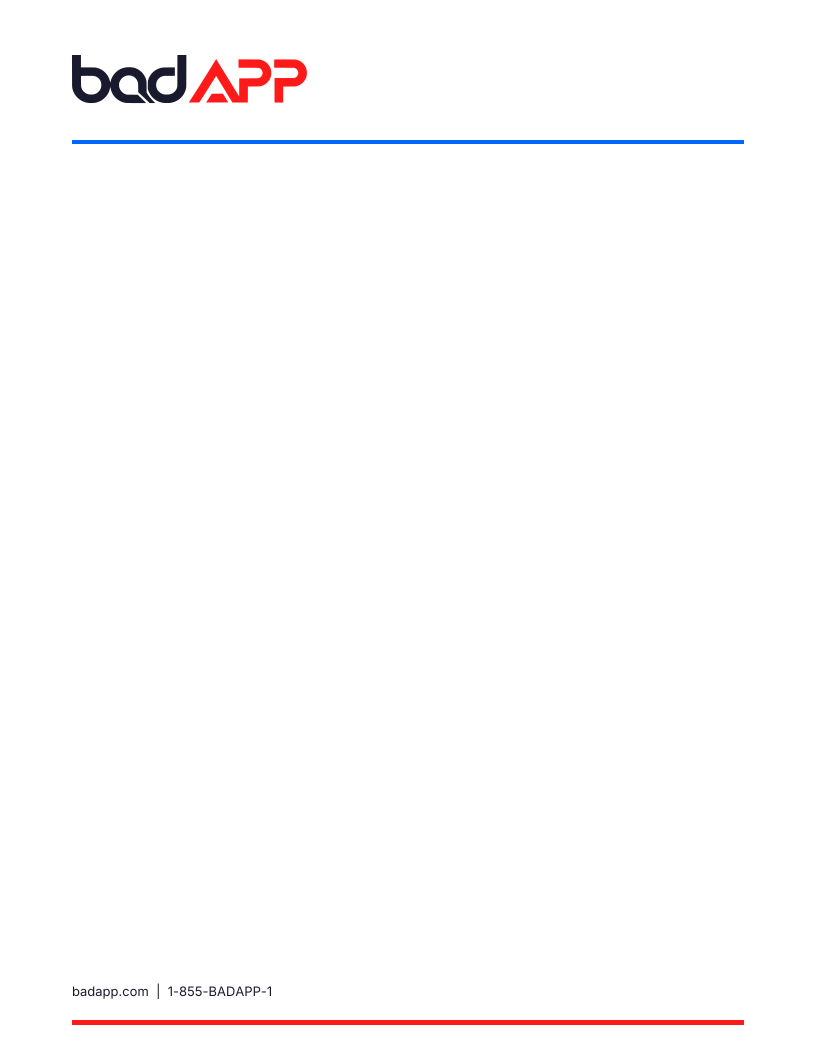
Office
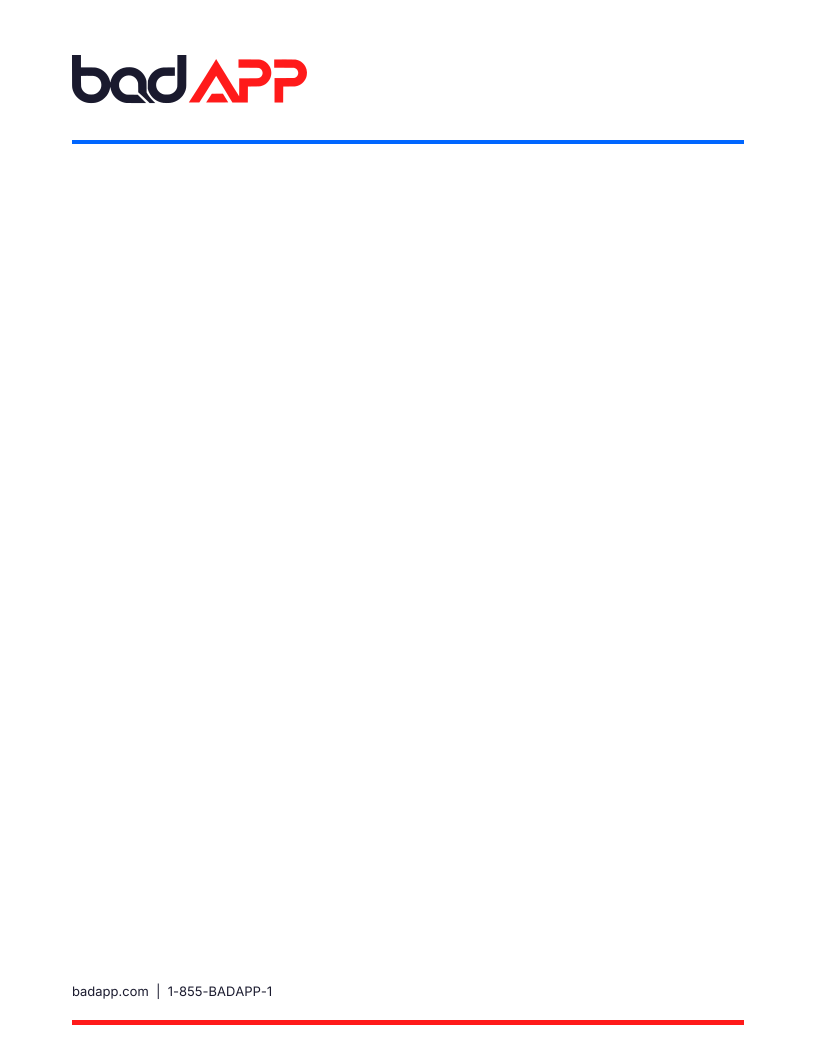
8.5 × 11 in. Blank correspondence stationery. DOCX has editable body, branded header and footer; install the included fonts.
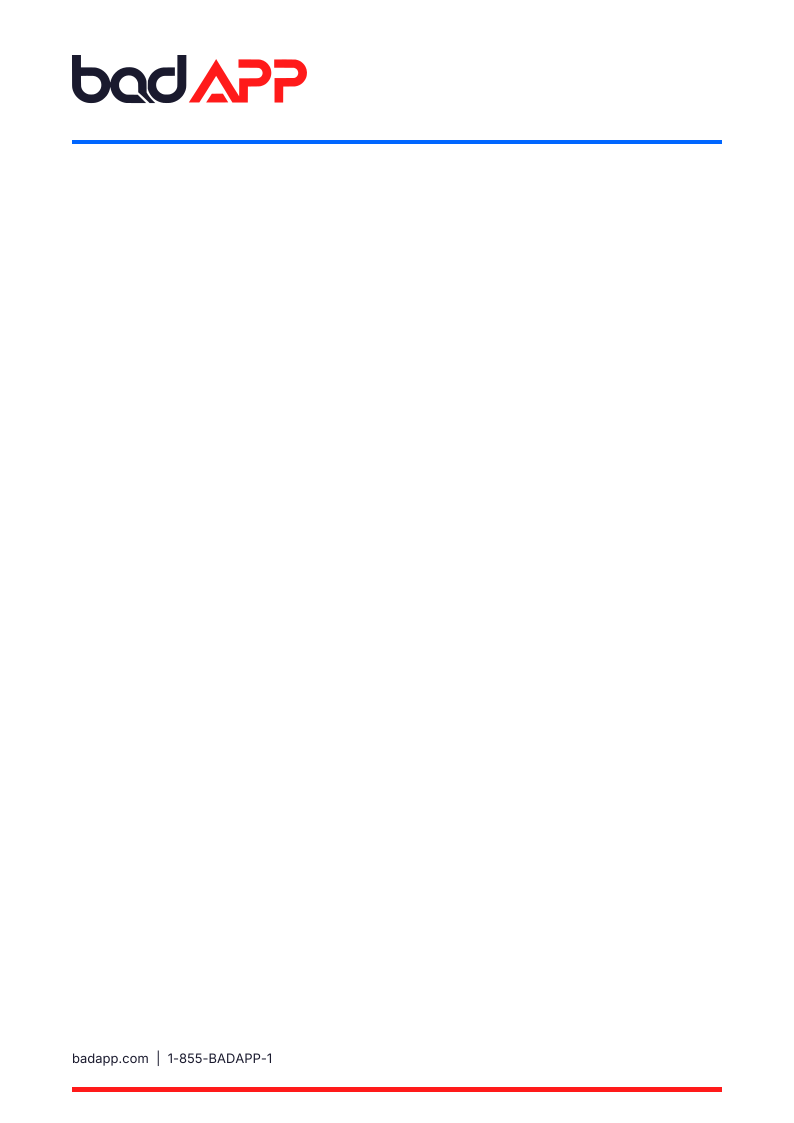
Office
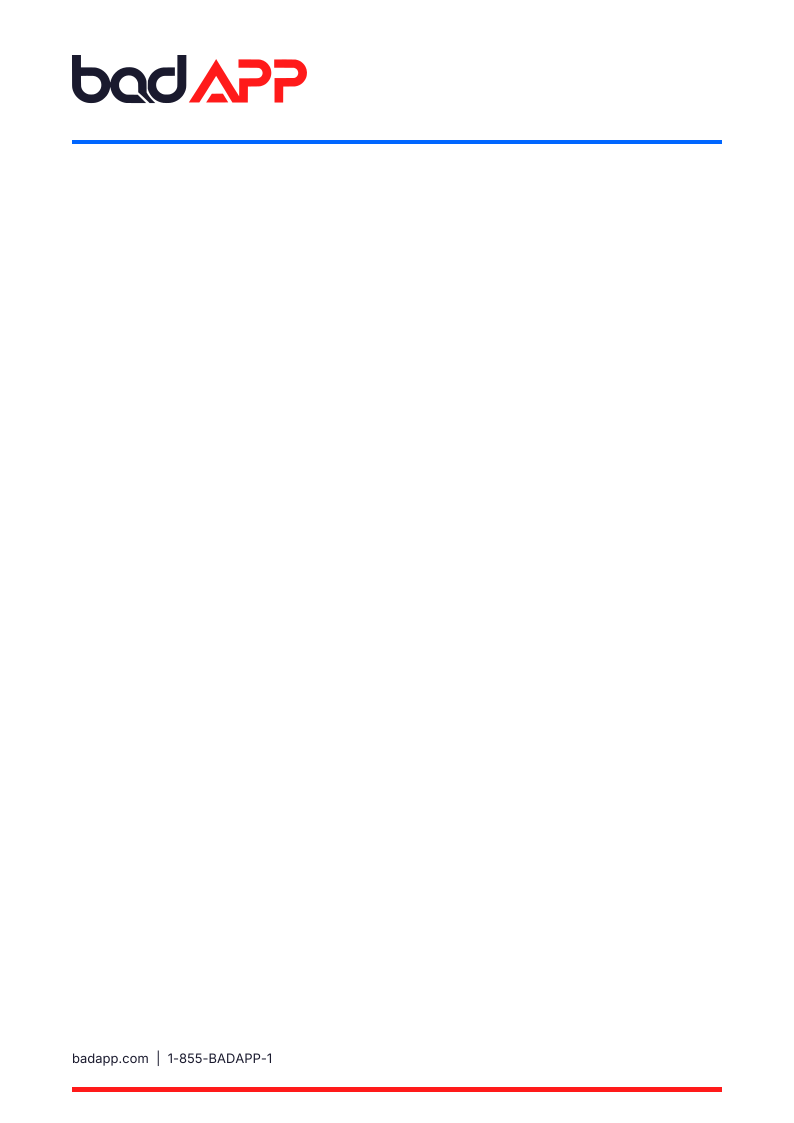
A4. Blank correspondence stationery. DOCX has editable body, branded header and footer; install the included fonts.
Office
Editable 16:9 PowerPoint. Four layouts: cover, process, services and closing. Install included fonts before editing.
Studio email signature
badAPP / Brand system 2.1
Office
HTML contact signature with live website and telephone links. Open locally, copy the rendered table into your mail client, then send a test; clients vary.
Color & developer tokens
badAPP / Brand system 2.1
Montserrat & Inter
badAPP / Brand system 2.1
Guides
Original Google Fonts variable and static TTFs with their SIL Open Font License notices. Install for office templates; logos do not require fonts.
Brand guidelines
badAPP / Brand system 2.1
Guides
Version 2.1 · October 2026. Current standards, color contrast, typography, file selection and production handoff.
Brand audit & release notes
badAPP / Brand system 2.1
Guides
Version 2.1 · October 2026. Evidence-based findings, remediation decisions and open owner-verification items.
06 / From screen to real world
The print files are vector RGB masters—not universal press-ready CMYK or certified PDF/X. Your printer should convert with the correct profile for the actual stock and approve a proof.
Read the production guideCards include a 3.5 × 2 in trim, 0.125 in bleed and an embedded TrimBox. Supply front and reverse together.
Install the included fonts before editing Word or PowerPoint. Confirm the final layout in your version of Office.
Check crop previews and safe areas in each platform. Keep SVG masters for resizing; use PNGs for publishing.
Version 2.1 adds the original bA icon, its red adaptation and blue wordmark alternates. Red remains primary; the five-color palette is unchanged.